Themes
Revealer ships built-in themes and can also use any stock reveal.js theme.
Theme |
Description |
|---|---|
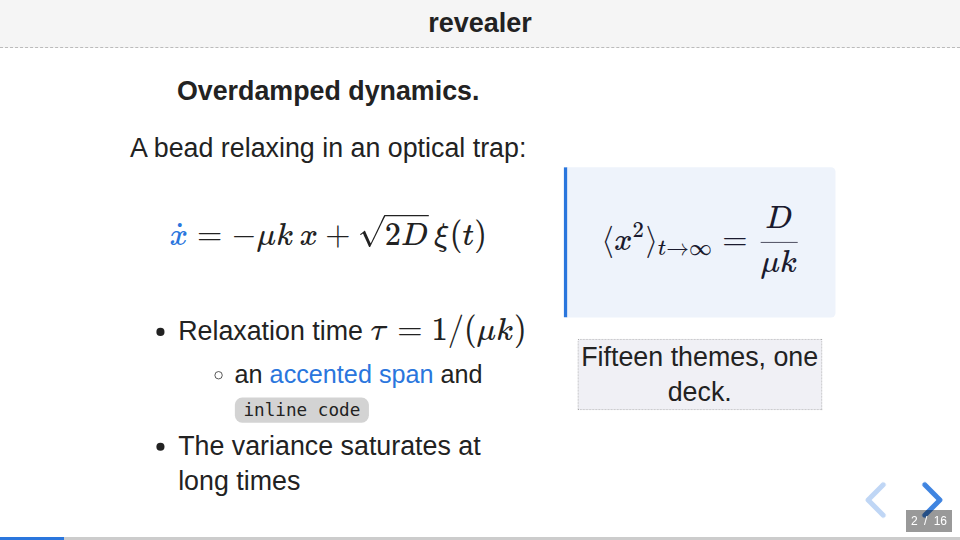
|
Default. A neutral, sober look: grey/black headings with a discreet blue accent. Intended to be presentation-agnostic and easy to reuse. |
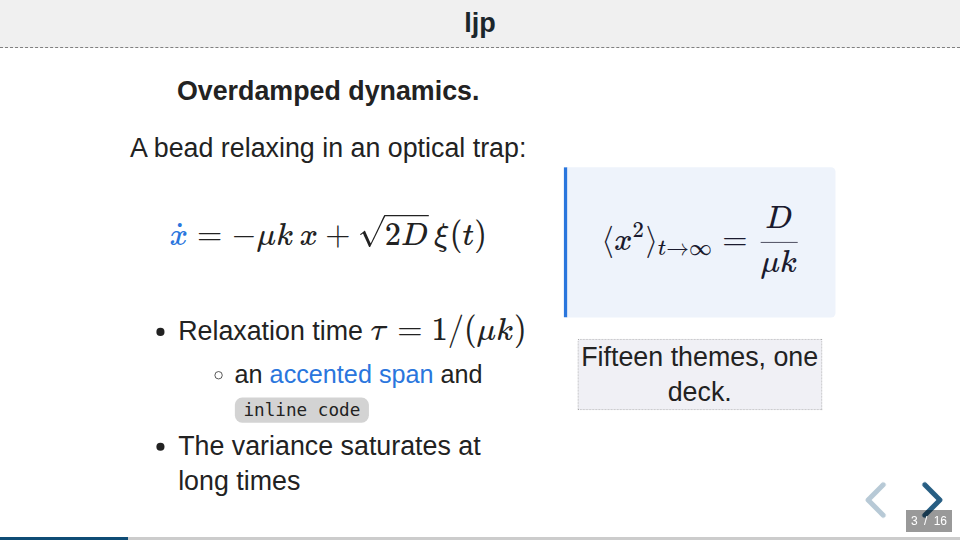
|
Laboratoire Jean Perrin branding: dark-teal headings, blue sub-headings and matching links. |
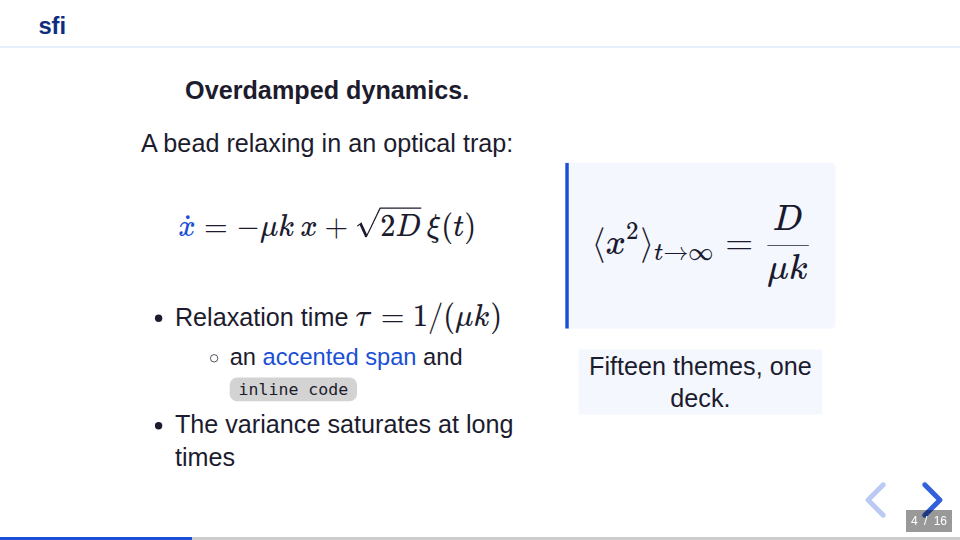
|
A bold blue accent look with full-bleed section dividers. |
any reveal.js theme |
|
Select a theme in the settings part of a .pres file:
> theme: ljp
You can also switch theme for a single slide:
=== Interlude
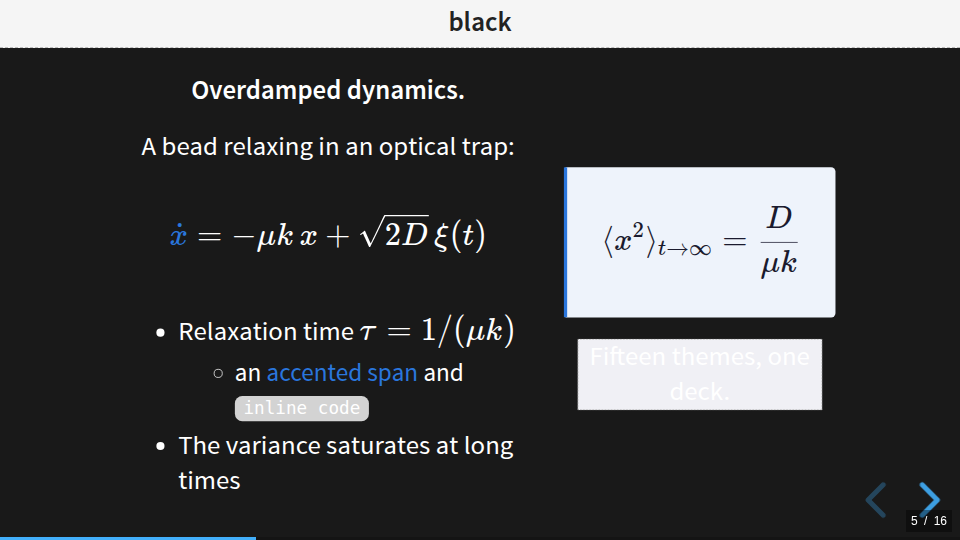
> theme: black

This slide uses the `black` theme; the next slide returns to the presentation
theme automatically.
This swaps the theme stylesheet while the slide is active, so it works best for
complete reveal.js themes (black, white, league, ljp, revealer, …).
The switch is local to the current slide: navigating away restores the global
theme selected in the settings block.
Gallery
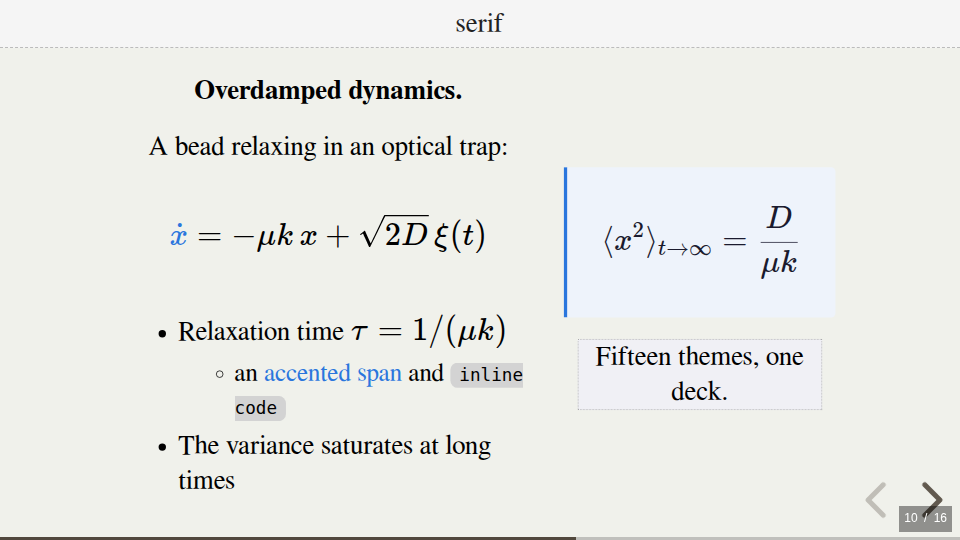
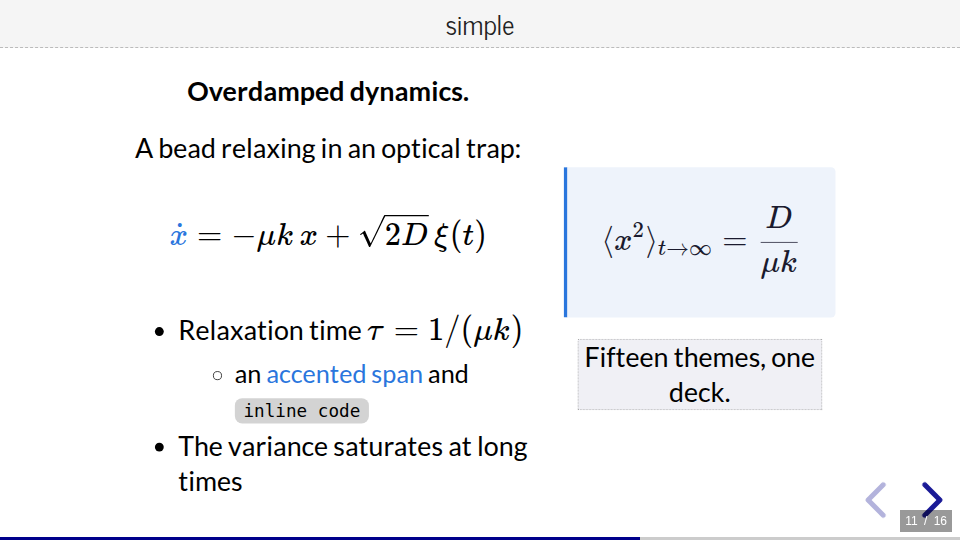
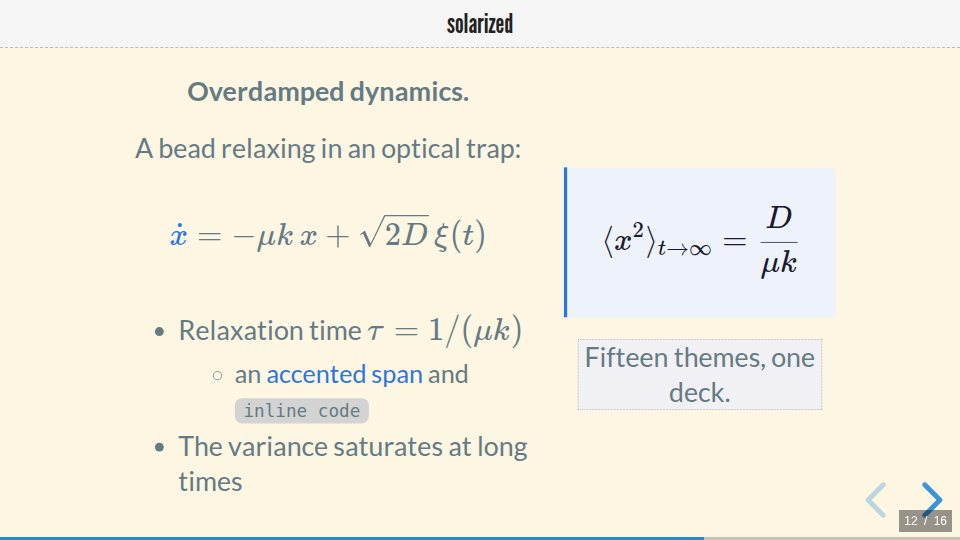
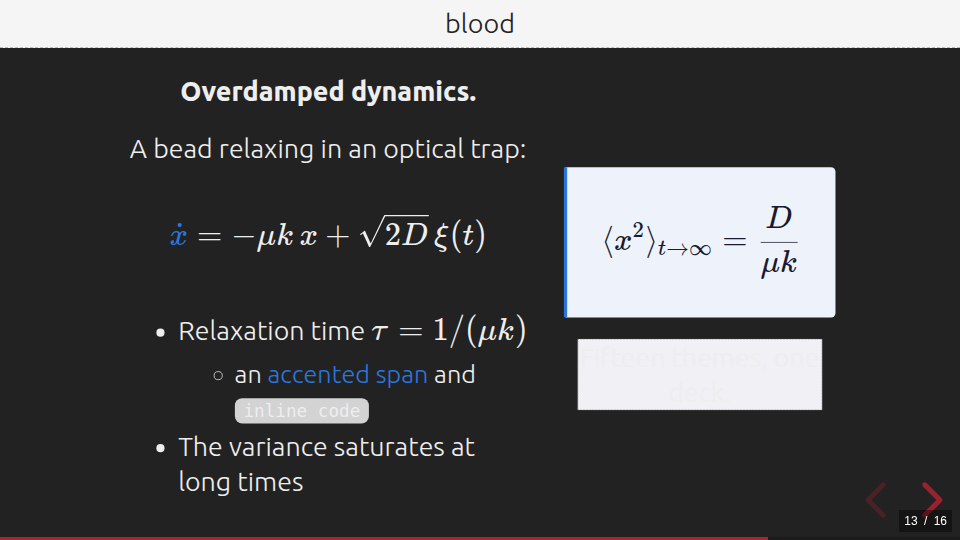
The same slide rendered by every theme. Browse it live with
revealer Demo/Themes.pres; the screenshots below are regenerated
by python3 Documentation/gen_theme_gallery.py after a
revealer build Demo/Themes.pres.
revealer
ljp
sfi
black
white
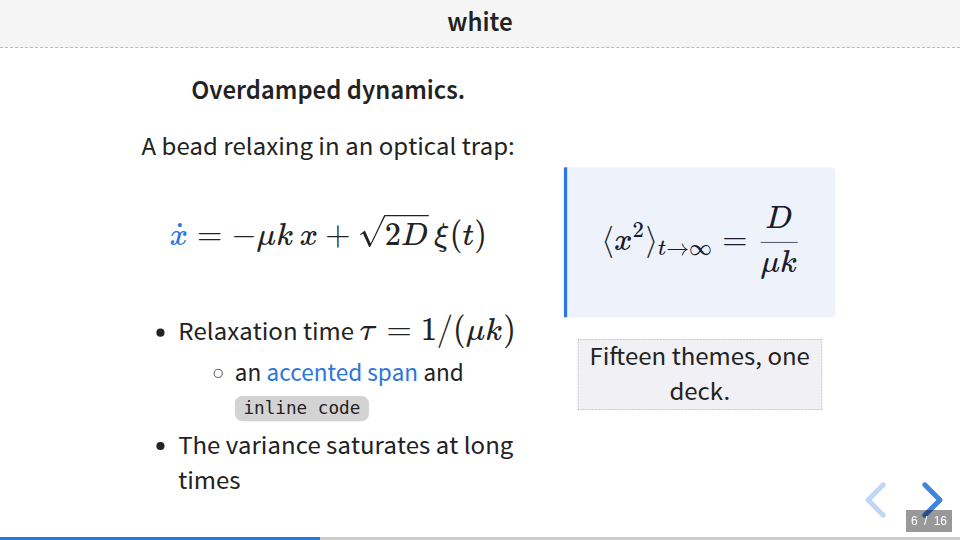
league
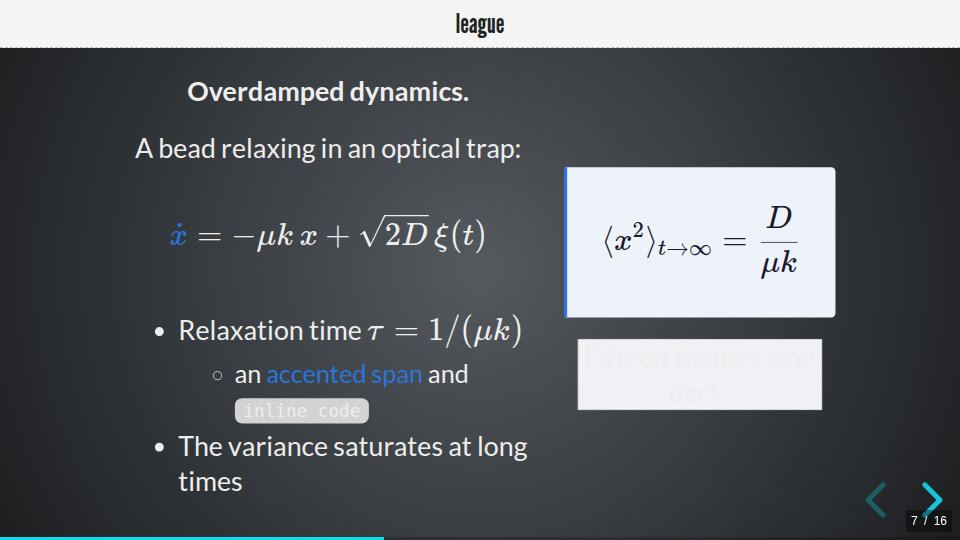
beige
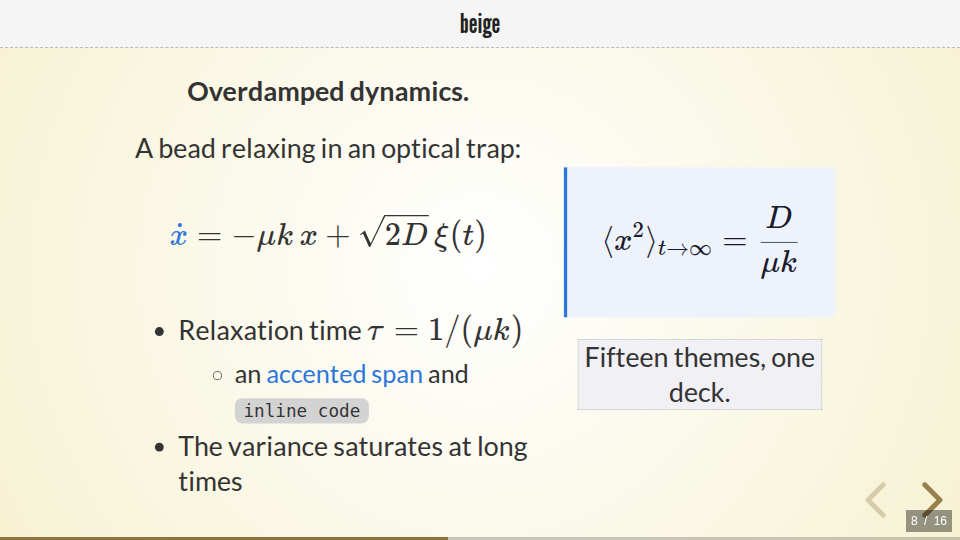
night
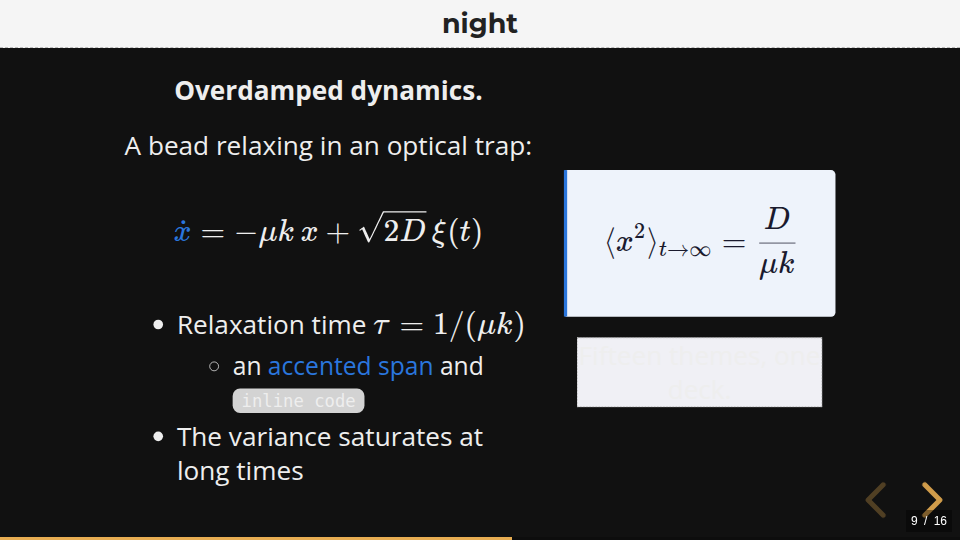
serif
simple
solarized
blood
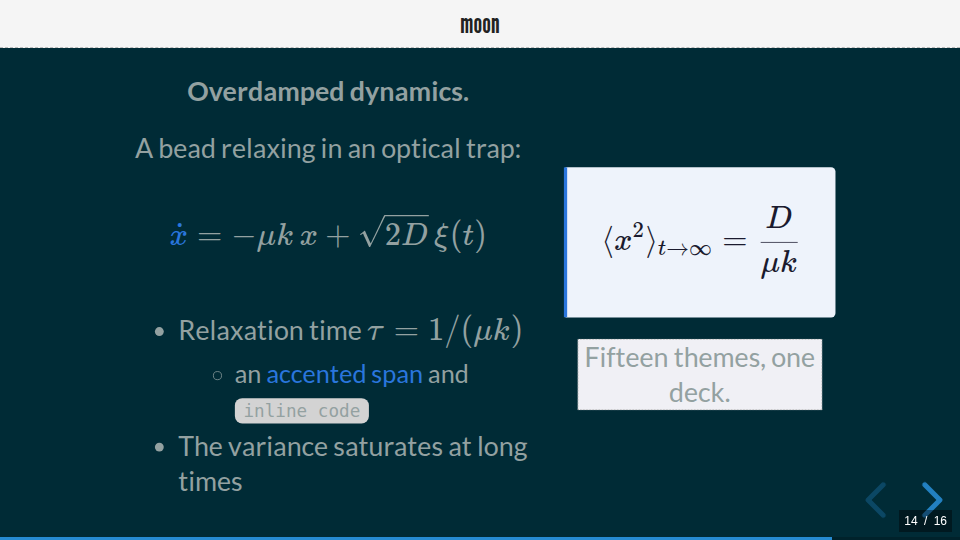
moon
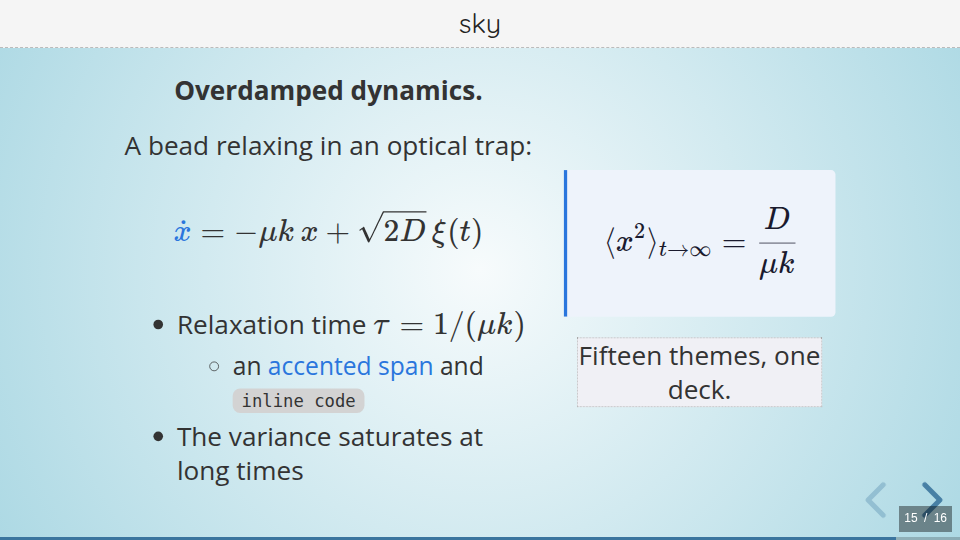
sky
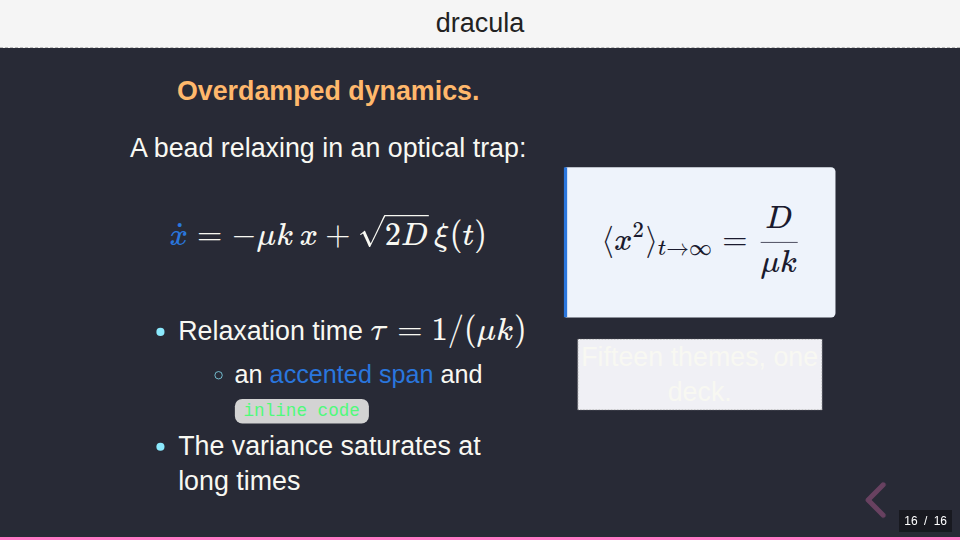
dracula
Customising
The built-in themes are intentionally thin. They @import a shared, theme-agnostic
base stylesheet (_revealer-base.css) and then override a handful of CSS custom
properties. To create your own theme, copy revealer.css, rename it, and tweak the
variables:
@import url(_revealer-base.css);

:root {
  --rv-h1-color: #1a1a1a;       /* main heading colour */
  --rv-h2-color: #555;          /* sub-heading colour */
  --rv-header-bg: #f5f5f5;      /* fixed header / logo bar background */
  --rv-header-color: #222;      /* fixed header text colour */
  --r-link-color: #2a76dd;      /* links and accents */
  --rv-highlight-bg: #f0f0f5;   /* highlighted blocks */
}
The theme files live in src/revealer/data/themes/ and are copied into each
presentation’s reveal.js/dist/theme/ folder at build time. Logos remain a
per-presentation choice (> logo: in the .pres file) and are independent of
the theme.
The components emitted by the layout DSL (callout boxes, cards, stacks,
pins, equation frames — the rv-* and box-* classes listed in the
constructs reference) are styled by the shared
base stylesheet, so they look consistent under every theme and can be
re-skinned from a custom theme’s CSS.
The header and footer band heights are not theme variables: they follow the
theme’s default look, and can be overridden per presentation with
> header-height: / > footer-height: (a fraction of the slide height). See
Layout parameters.
Matplotlib styles
Every theme also ships a palette-matched matplotlib style, copied into each
deck at reveal.js/dist/theme/<theme>.mplstyle — use it from your figure
scripts so plots inherit the deck’s colors and slide-ready font sizes. See
Recipes › Plots that match the theme.